
General
Problem Solved – Adobe Bridge Cache Error
Eric-ETH
August 26, 2014
Have you ever received the following Adobe Bridge cache error message?
Bridge encountered a problem and is unable to read the cache. Please try purging the central cache in cache preferences to correct the situation
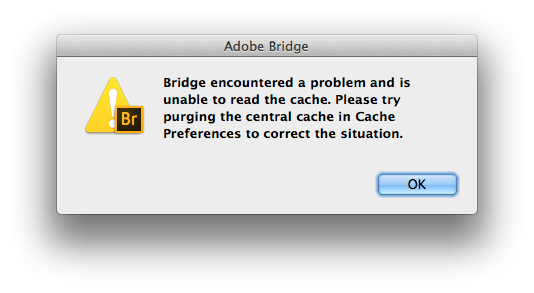
Bridge encountered a problem and is unable to read the cache. Please try purging the central cache in cache preferences to correct the situation
Anyone who has seen this knows that purging the central cache does nothing to help the problem. Luckily, there’s an actual solution for the Bridge cache issue.
After hours of searching over the past few years and countless reinstalls, I came across the real way to fix Adobe Bridge cache problems. I like to think of it as Bridge’s best kept secret.
The Adobe Bridge CC 2014 Factory Settings Reset
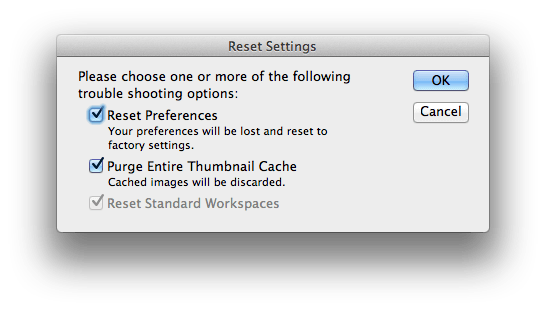
This little box will save you so much pain and suffering when it comes to Bridge not working right. Apparently it’s been part of the application for quite some time, but no one knows about it.
How do you reset Adobe Bridge CC 2014 to factory settings?
- Quit Adobe Bridge
- Hold down Command + Option + Shift
- While holding down the keys, open Bridge
- Tick the first two boxes (the third will be grayed out)
- Click “Ok”*
That’s it. You will be on your way to a happy relationship with Adobe Bridge once again.
[notification type=”alert-warning” close=”false” ]*NOTE: this will erase all your Adobe Bridge settings.[/notification]The good news is that Bridge should be back to normal. Unfortunately, you will probably have to do this every couple months when Bridge starts acting up. I would rather the Application work right and have to reset my settings a few times a year than deal with it not working.
One last thing
If you think the information I’ve given you here was valuable and you do any shopping on Amazon.com, please do one thing for me. Go to amazon with this link and I will get a small commission on any of your purchases for the next 24 hours. It would mean a lot to me if you would make this simple click. Thanks in advance.
Let me know in the comments if this fix worked for you.
Share
Recent Posts
October 1, 2026
STOP Doing This With Your Mr. Heater (Serious Safety Risk)
The dangerous Mr. Heater mistake I keep seeing: propane tanks brought indoors. Why it is a serious safety risk and the correct way...
October 1, 2026
How Long Does Propane Last in a Mr. Heater Big Buddy? (Run Times Chart)
How long will a Mr. Heater Big Buddy run on a 20 lb propane tank? Complete run time chart for low, medium, and...
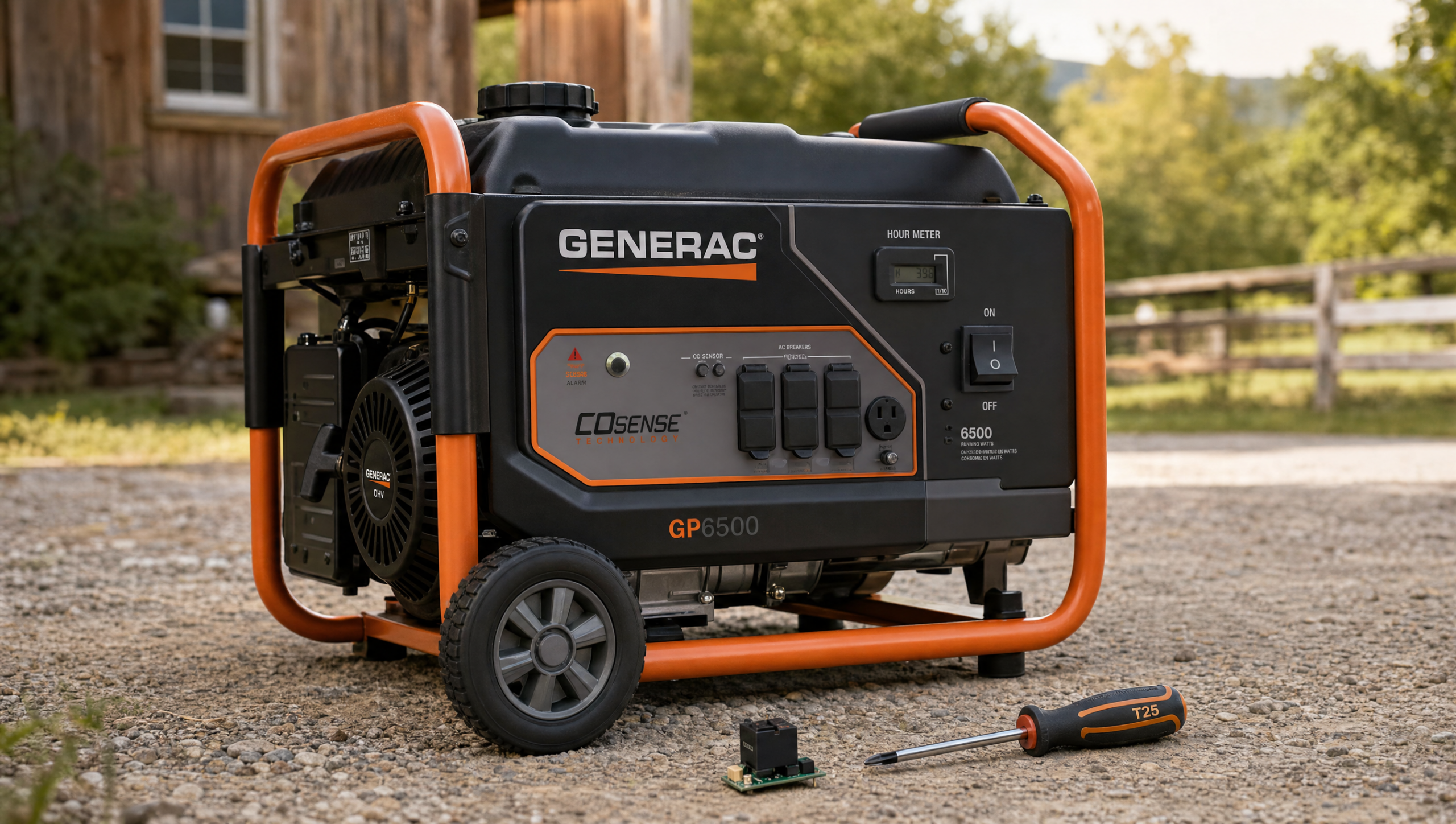
August 3, 2026
Generac Generator Starts But Won’t Stay Running? COSense Fix (GB6500)
Generac generator starts but won’t stay running? The COSense board is likely failed. Here is a step-by-step fix for the Generac GB6500 and...